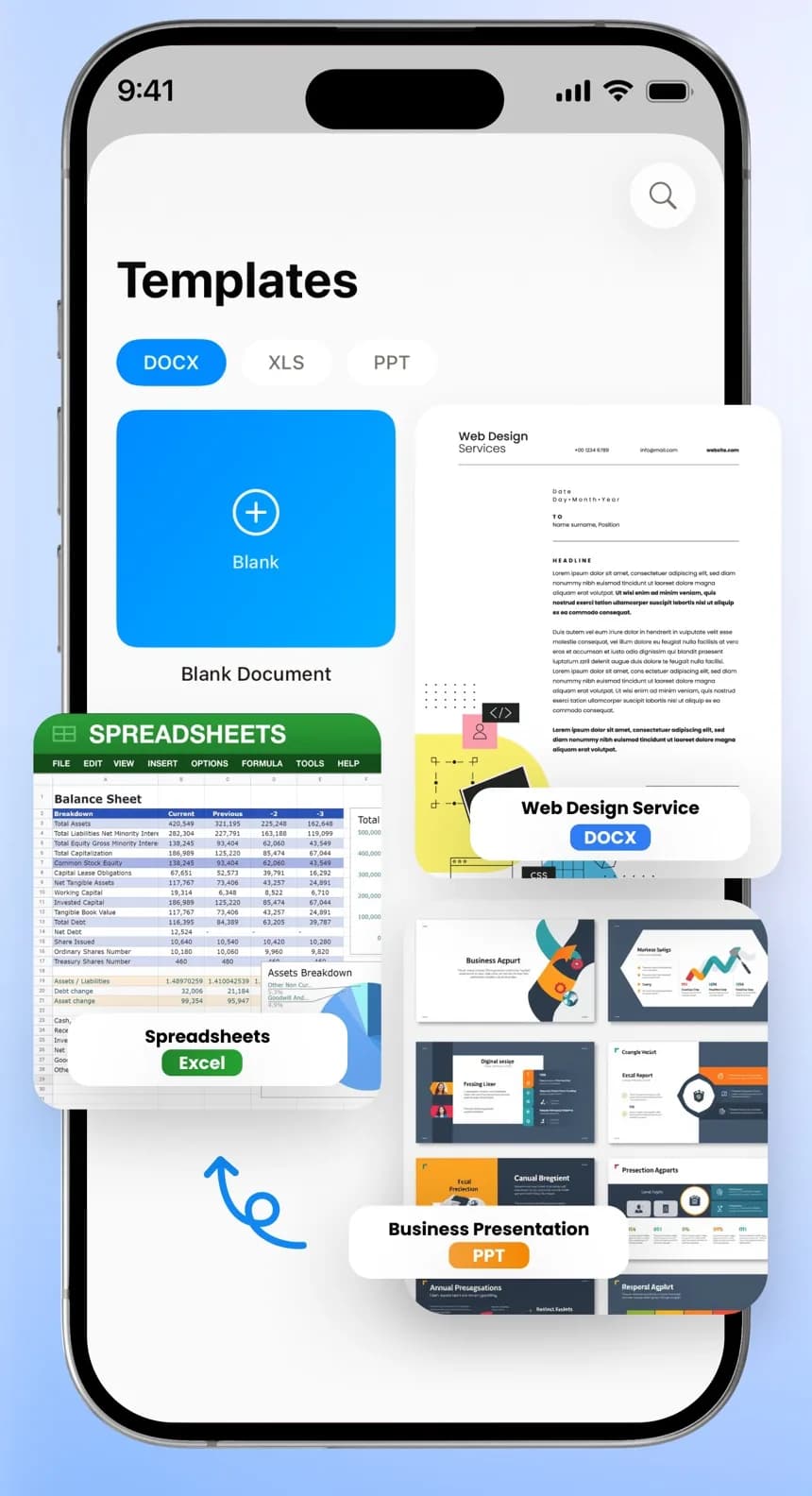
Open and edit Word, Excel, PowerPoint and PDF files, scan paper into editable text, and let AI help you write, translate and read aloud. Free to download.
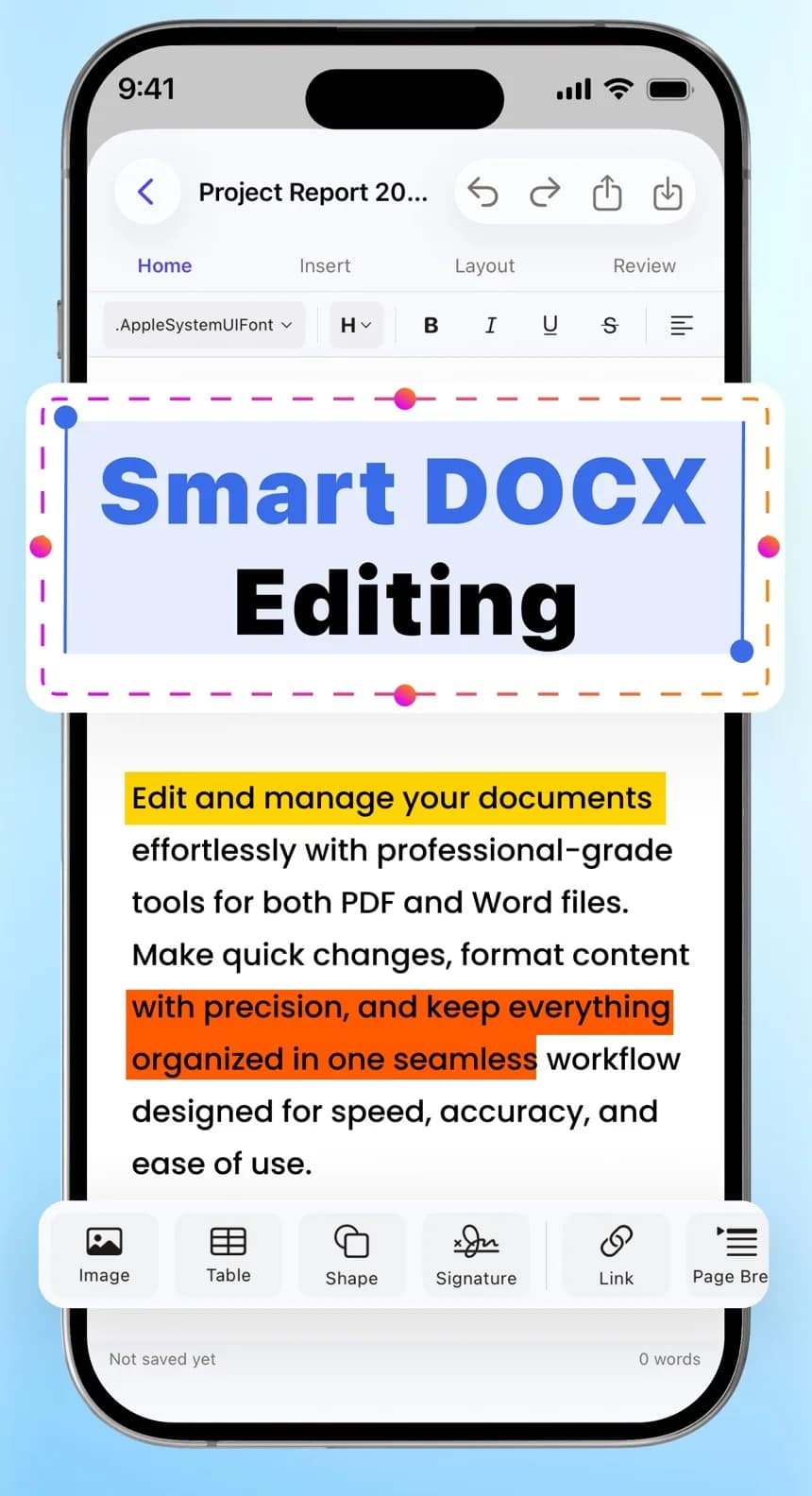
Edit and manage your documents with professional-grade tools for both PDF and Word files. Make quick changes, format content and keep everything organised in one place.
Try it: this page is editable. Select any words and use the toolbar to make them bold, highlight them or change the alignment.
Page 1 of 10 words
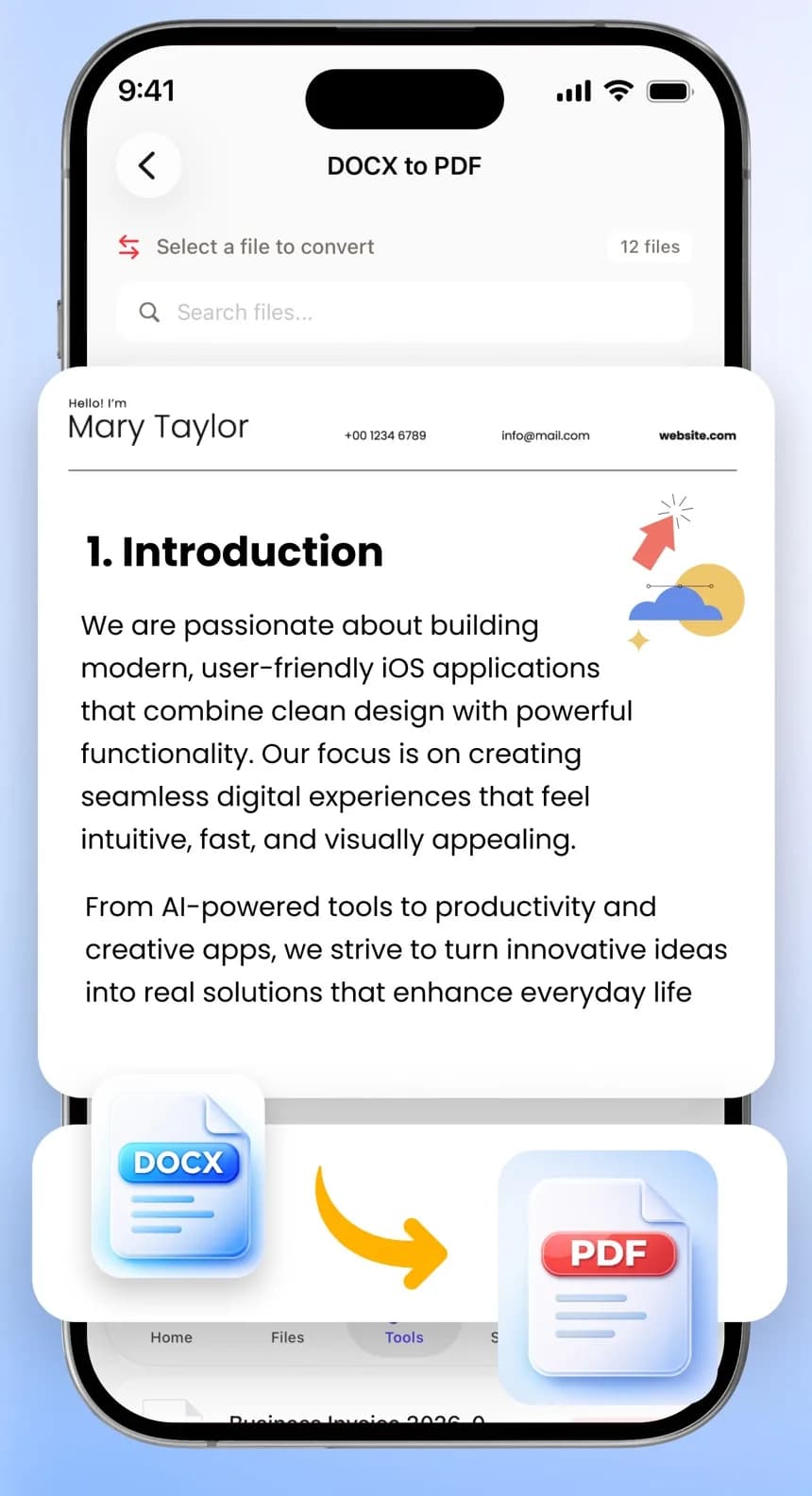
Convert to PDF
DOCXProject report.docx
PDFProject report.pdfReady
Opens the files people send you: contracts, coursework, invoices, budgets, slide decks and scans.
DOCXWord
XLSXExcel and CSV
PPTXPowerPoint
PDFPDF
TXTText, Markdown, code
JPGImages
Older .doc, .xls and .ppt files open in a viewer and convert to the modern format or to PDF in one tap.
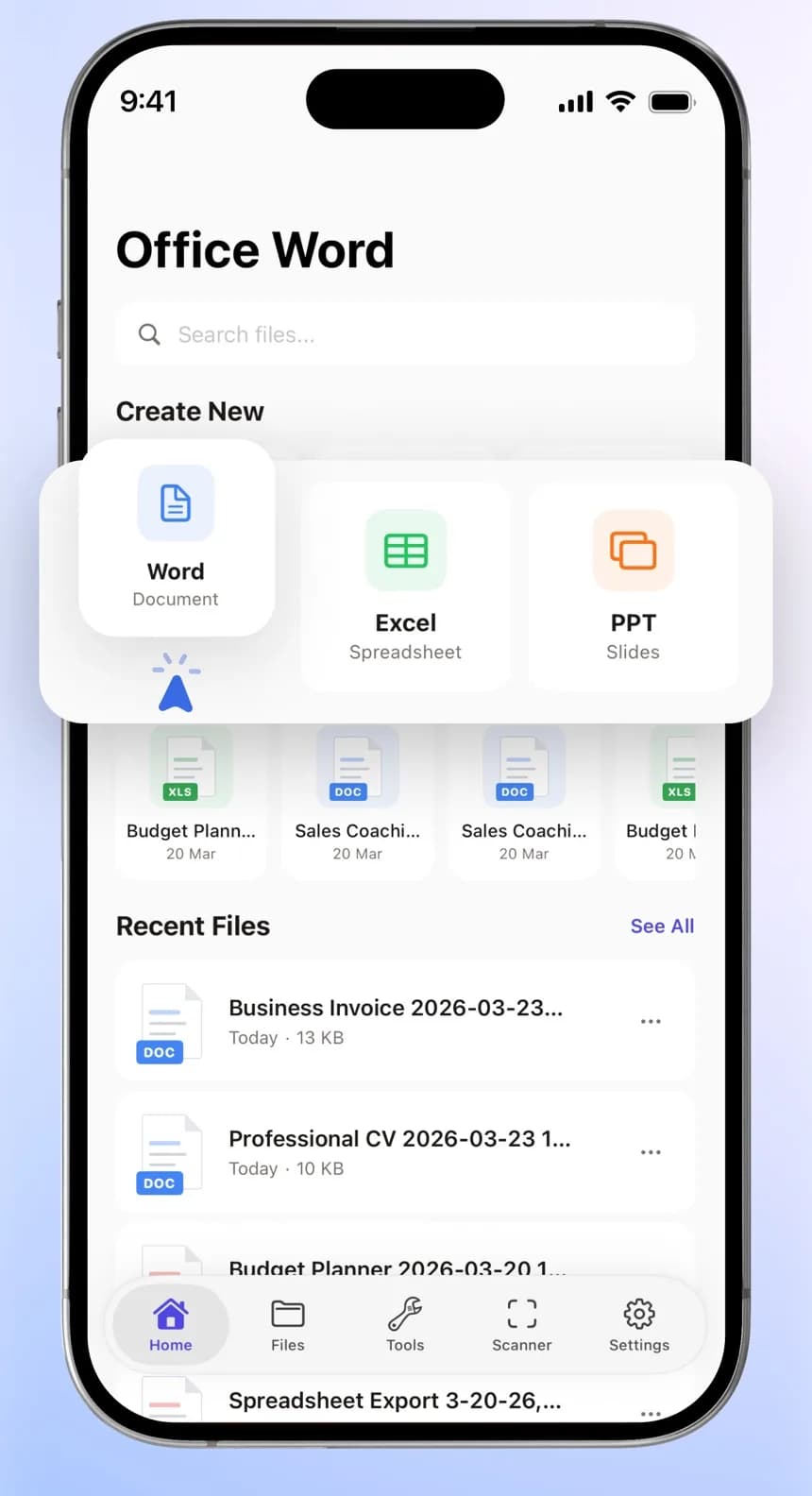
All your documents, one app
Word, Excel, PowerPoint, PDF, text and image files open in one place, and your changes save automatically. Start something new from the home screen or from one of 24 designed templates.
Search finds a file by its name or by the words inside it. Lock private files with a password, and bring files in from the Files app or Photos.
Turn Word, Excel and PowerPoint files or images into PDFs, or a PDF back into an editable Word file or a set of images. Merge, split, compress and password-protect PDFs from the Tools tab.
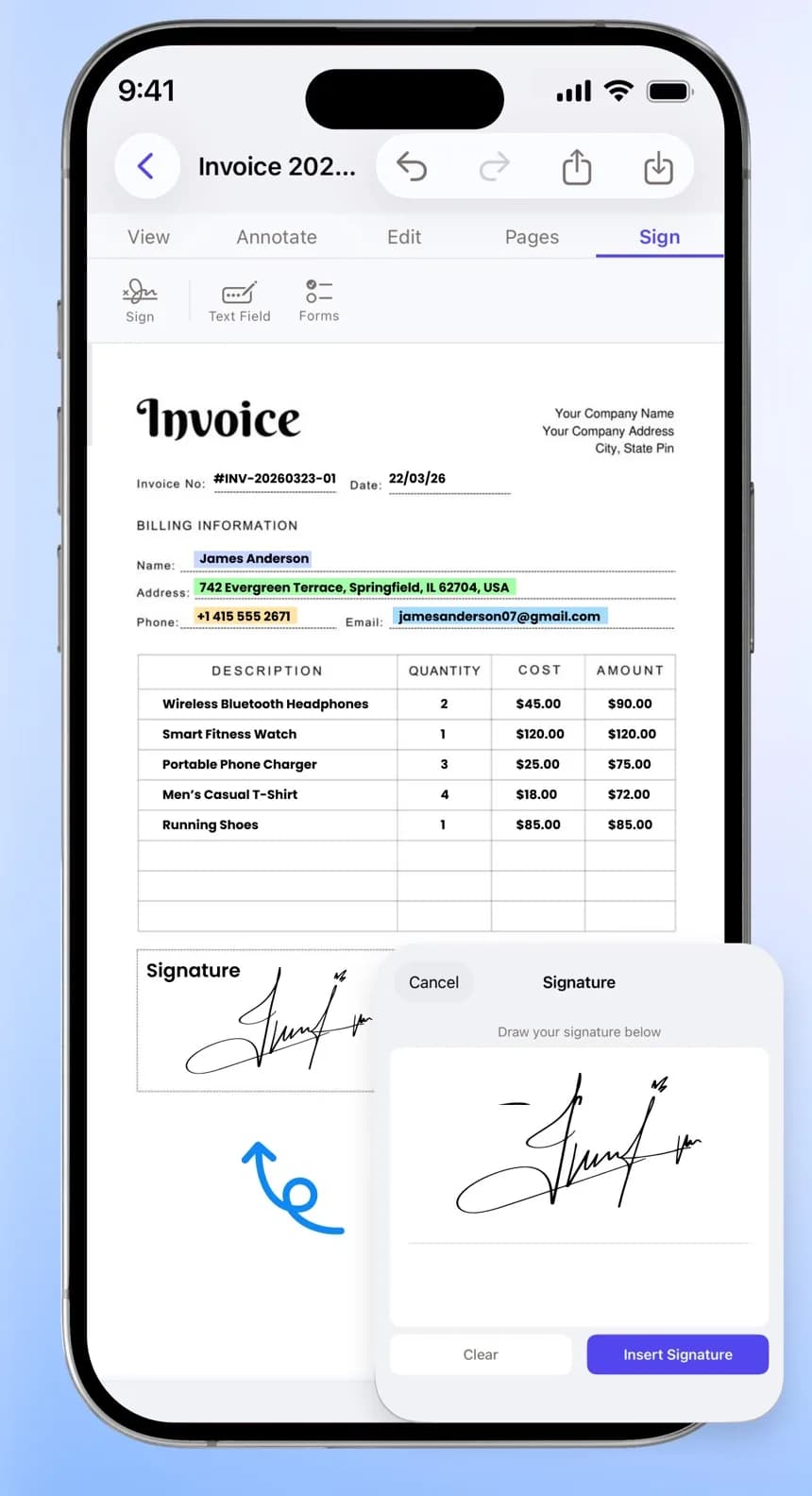
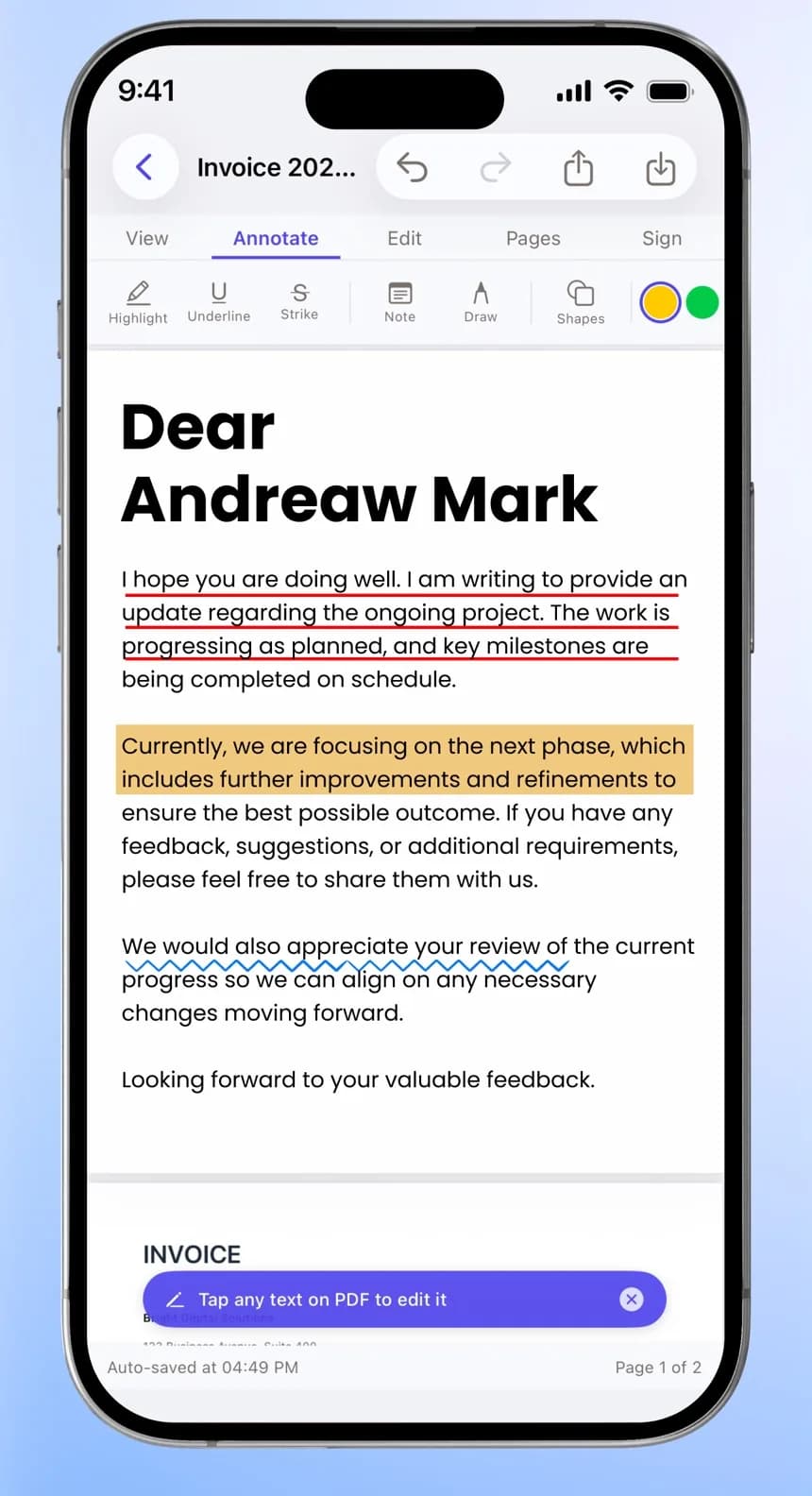
Complete forms, draw your signature once with your finger or Apple Pencil, place it where it's needed and share the signed copy straight away.
Point the camera at a page. Word Editor finds the edges and crops it for you, and you can adjust the corners, rotate pages and choose which ones to keep.
Save the scan as a PDF or a Word document, pull out the text, or turn a printed equation into a formula you can edit.
The new onboarding flow shipped on time and support tickets fell by a third in the first month.
Next, we'll focus on the billing page and the help centre.
Work on the same document together
Share by link, email or invite code, and choose whether each person can edit, comment or only view. Changes appear live in Word, Excel, PowerPoint and PDF files, and you can see who else is in.
Links can expire, need a password or block downloads. Track changes, compare versions and restore an earlier one, and get a notification when someone mentions you or asks to edit.
AI that works inside your documents. You see every change before it's made, and can undo it.
AI Co-Pilot
Ask it to write a Word document, a spreadsheet or a slide deck, or ask questions about your files, including whole documents and ZIP uploads. Each file keeps its own chat history.
Improve writing
Summarize
Fix grammar
Translate
Explain formulas
Build charts
Clean data
Polish slides
Write speaker notes
Co-PilotQ3 project update.docx
Summarize this report in two lines
Onboarding shipped on time and support tickets fell by a third. Next up: the billing page and the help centre.
Fix grammar
We has finish the project on time.
We finished the project on time.
UndoAccept
AI Read Aloud
Listen to Word, PowerPoint and PDF files. Choose a voice and speed, set a sleep timer and follow the captions. The mini player keeps reading while you do something else.
DOCX
Q3 project update.docxPage 2 of 6
Premium
…support tickets fell by a third in the first month…
1.25×Sleep 15 min
AI Translate
Translate DOCX, PPTX, XLSX and PDF files into more than 50 languages, right on your iPhone. The source language is detected for you and the layout stays as it was. Free for everyone.
EnglishEspañol
Quarterly resultsSales grew 12% this quarter, led by new customers.
Resultados trimestralesLas ventas crecieron un 12 % este trimestre, gracias a nuevos clientes.
Everything you'd reach for on a laptop
Pick a feature to see it in the app.
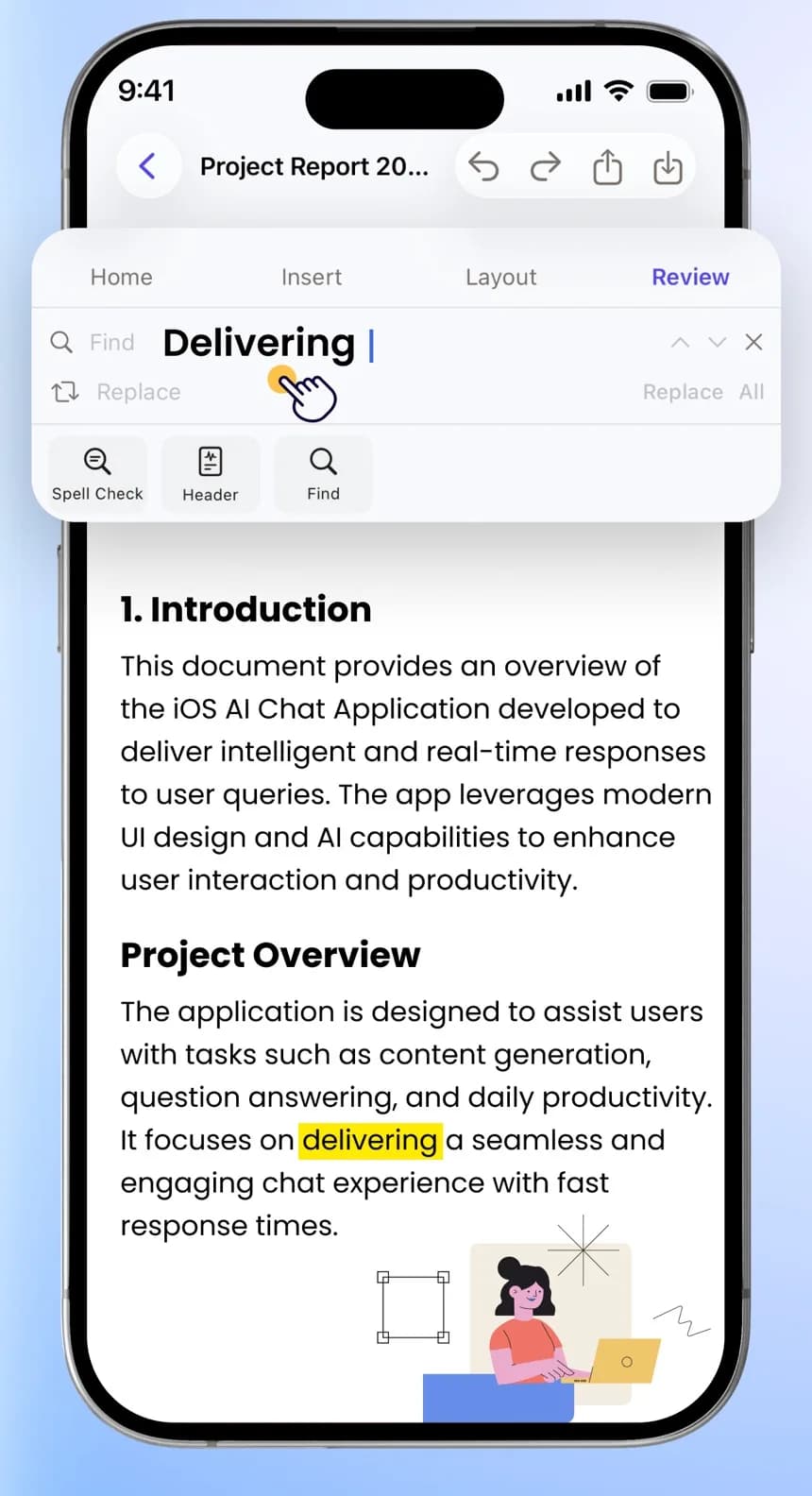
Fonts, headings, colours, lists and alignment. Insert tables, images, shapes, links, symbols, formulas and drawings, then set margins, headers, footers and page numbers.
The full toolkit
Each editor has the tools you'd expect on a computer. Here's what's in each one.
DOCX
Word
Fonts, headings, colour, highlight and lists
Tables, images, shapes, links, symbols and formulas
Margins, line spacing, headers, footers and page numbers
Comments, spell check, word count and track changes
Read Aloud, night mode, print and auto-save
XLSX
Excel
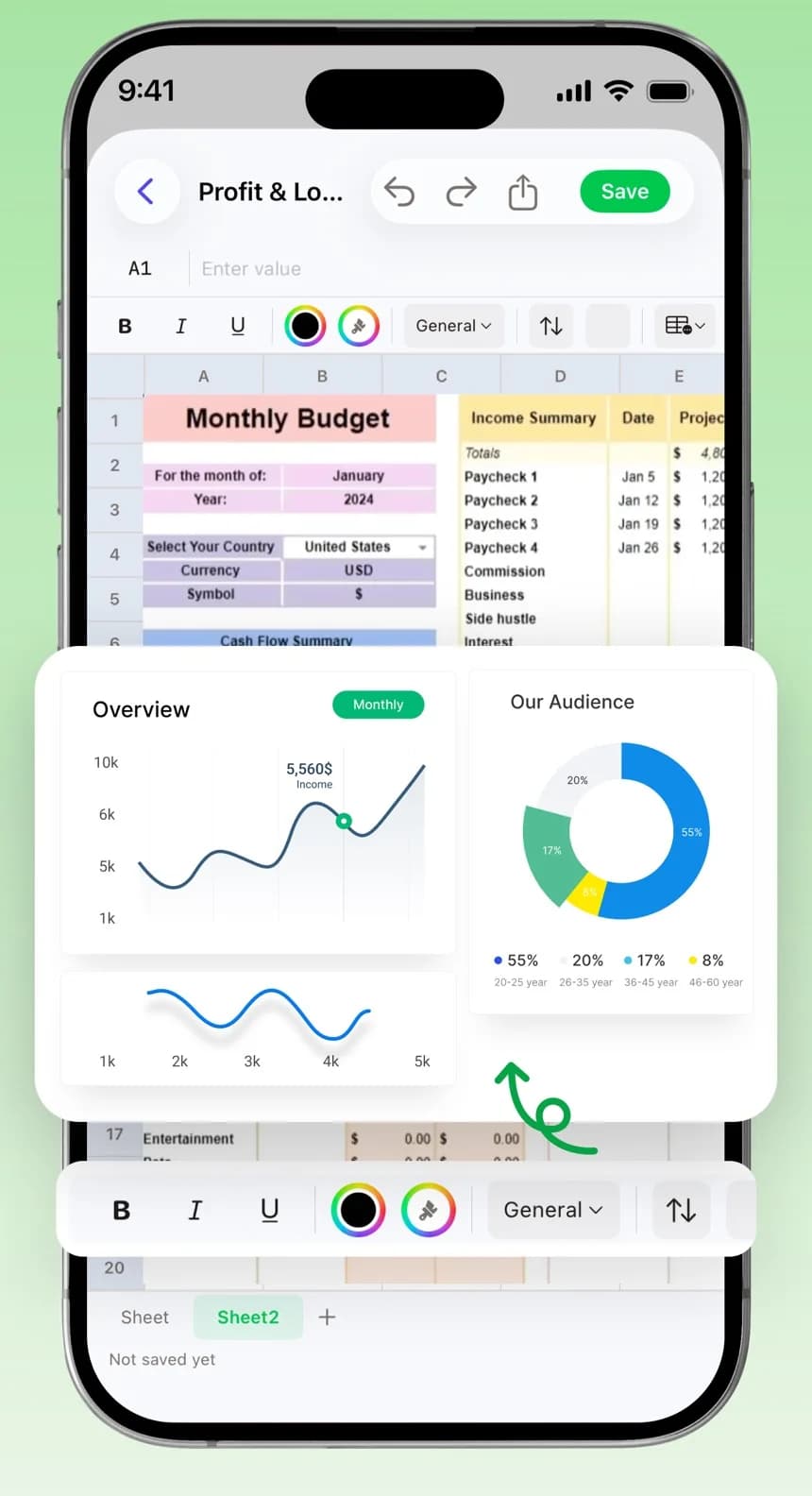
Function library with an argument helper, AutoSum and Auto Fill
Sort, filter, remove duplicates and data validation
Bar, line and pie charts
Freeze panes, merge and centre, wrap text
Export as PDF, CSV or XLSX
PPTX
PowerPoint
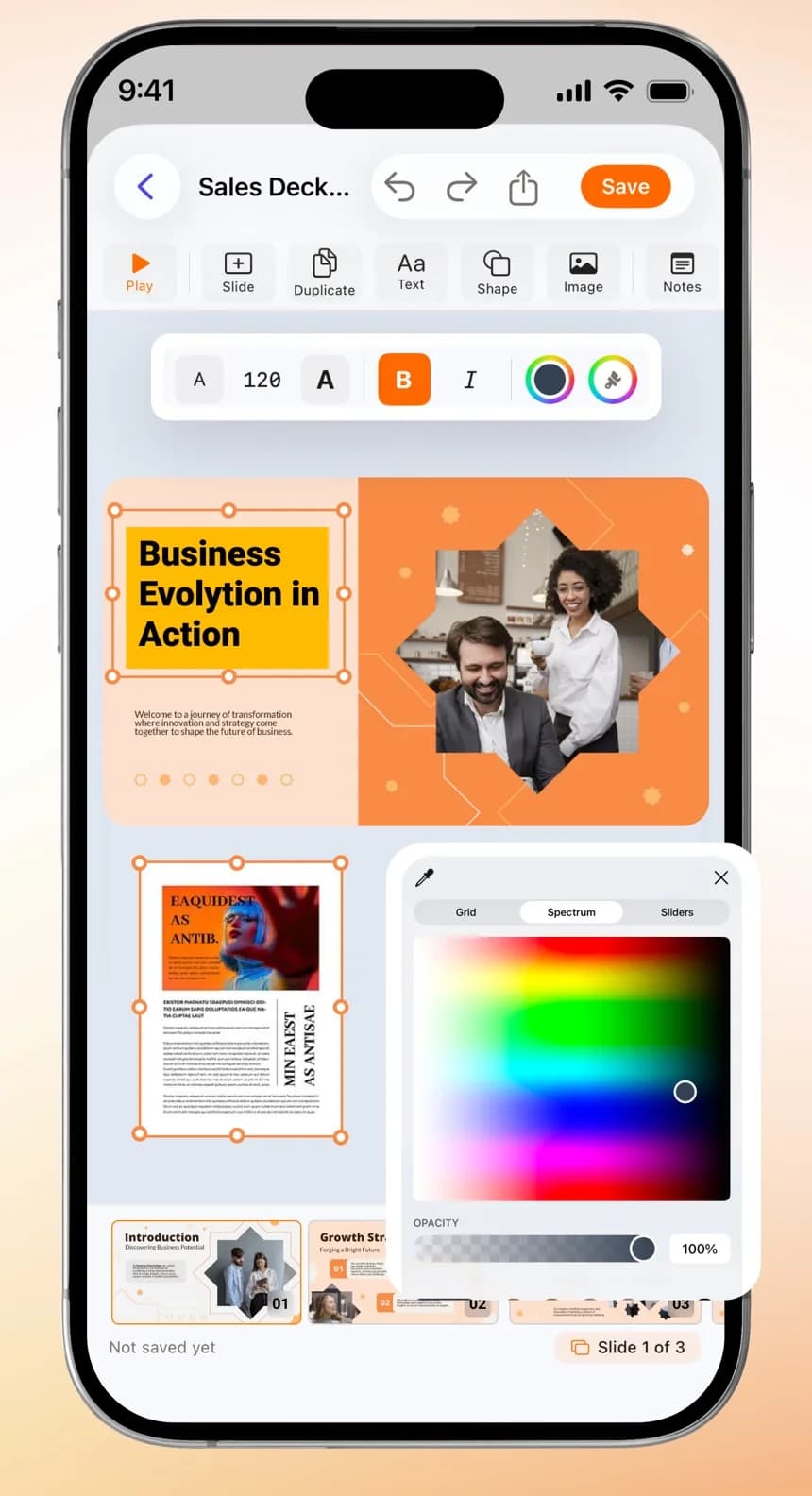
Themes, picture backgrounds and slide sizes
Transitions for one slide or all of them
Speaker notes, slide numbers and Read Aloud
Present from the first slide or the current one
Export as PDF or slide images
PDF
PDF
Change existing text and add your own
Highlight, draw, add shapes, text boxes and comments
Form fields, watermarks and flattening
Add, delete, reorder, rotate, extract and merge pages
Add, change or remove a password, or compress the file
MD
Text and code
TXT, Markdown and RTF with a formatting toolbar
Markdown preview and shortcuts
Syntax highlighting for HTML, CSS, JS, JSON and XML
Share as PDF, Word, HTML or plain text
FILES
Files
Folders, favorites, sorting and file details
Search by file name or by the text inside
Lock any file with a password
Import from the Files app and Photos
Your files also show up in the iOS Files app
Works with the rest of your iPhone
Start a document from Siri, a widget or another app, and find it again from iPhone Search.
Siri and Shortcuts
Ten App Shortcuts, such as new document, open last file, scan, and convert to PDF, with phrases in 20 languages including Hindi and Hinglish.
Widgets
Quick Create, Recent Documents and Daily Streak widgets for your Home Screen.
Spotlight
Find documents from iPhone Search, by name or by what's written in them.
Share Extension
Save files, photos or text from another app straight into Word Editor.
Files and Open In
Your documents appear in the Files app, and other apps can open a file directly in Word Editor.
Free to use, Premium when you need more
The App Store shows Premium prices for your country before you subscribe.
Free
Download and start editing
Open, edit, save and share any file in its own format
AI Translate in more than 50 languages
PDF tools: merge, split, compress, extract, rotate, protect and unlock
Each conversion tool twice a day
Premium
Weekly or yearly subscription
Everything in Free
Conversions without the daily limit
AI Read Aloud with voices, speed control and a sleep timer
What you need, what it costs, and what data it collects.
iPhone
iOS 16 or later
iPad
iPadOS 16 or later
Languages
English and 19 more, including Spanish, French, German, Hindi, Japanese, Korean and Arabic
Price
Free to download. Premium is a weekly or yearly subscription, priced for your country in the App Store.
Account
Sign in from Settings. You can delete your account there too, with a grace period.
Privacy
The App Store privacy label lists no data linked to you. Anonymous usage and crash data help improve the app.
Questions
Short answers about pricing, AI, scanning, signing and sharing.
Is Word Editor free?
Yes, it's free to download. Opening, editing, saving and sharing a file in its own format is always free, and so are AI Translate and the PDF tools. Each conversion tool is free twice a day. Premium, a weekly or yearly subscription, removes that limit and adds AI Read Aloud.
Can I open a Word file someone emailed me?
Yes. DOCX files open ready to edit, with their formatting intact. Older .doc, .xls and .ppt files open in a viewer, and one tap converts them to the modern format or to PDF.
What can the AI do?
Ask AI Co-Pilot to write a Word document, spreadsheet or slide deck, or ask questions about your files. Inside the editors it can improve or shorten your writing, summarize, fix grammar, translate, explain formulas, build charts and write speaker notes. You see each change before and after, and can undo it.
Can I translate a whole document?
Yes. AI Translate works on your iPhone and translates DOCX, PPTX, XLSX and PDF files into more than 50 languages while keeping the layout. It can also translate a page you scan with the camera.
Can I scan paper documents?
Yes. Scan pages with the camera, adjust the corners, then save them as a PDF or Word file, copy the text, or turn a printed math equation into an editable formula.
How do I sign a PDF?
Open the PDF, go to Sign, and draw your signature with your finger or Apple Pencil. Place it on the page, fill in any form fields, then share the signed file.
Can I work on a document with someone else?
Yes. Share by link, email or invite code and choose whether each person can edit, comment or only view. You'll see who else is in the file and their changes as they make them, in Word, Excel, PowerPoint and PDF files.
Can I keep a file private?
Yes. Lock any file with a password you set in Word Editor. You can change or remove the password later.
Which devices does it work on?
iPhone with iOS 16 or later, and iPad with iPadOS 16 or later.